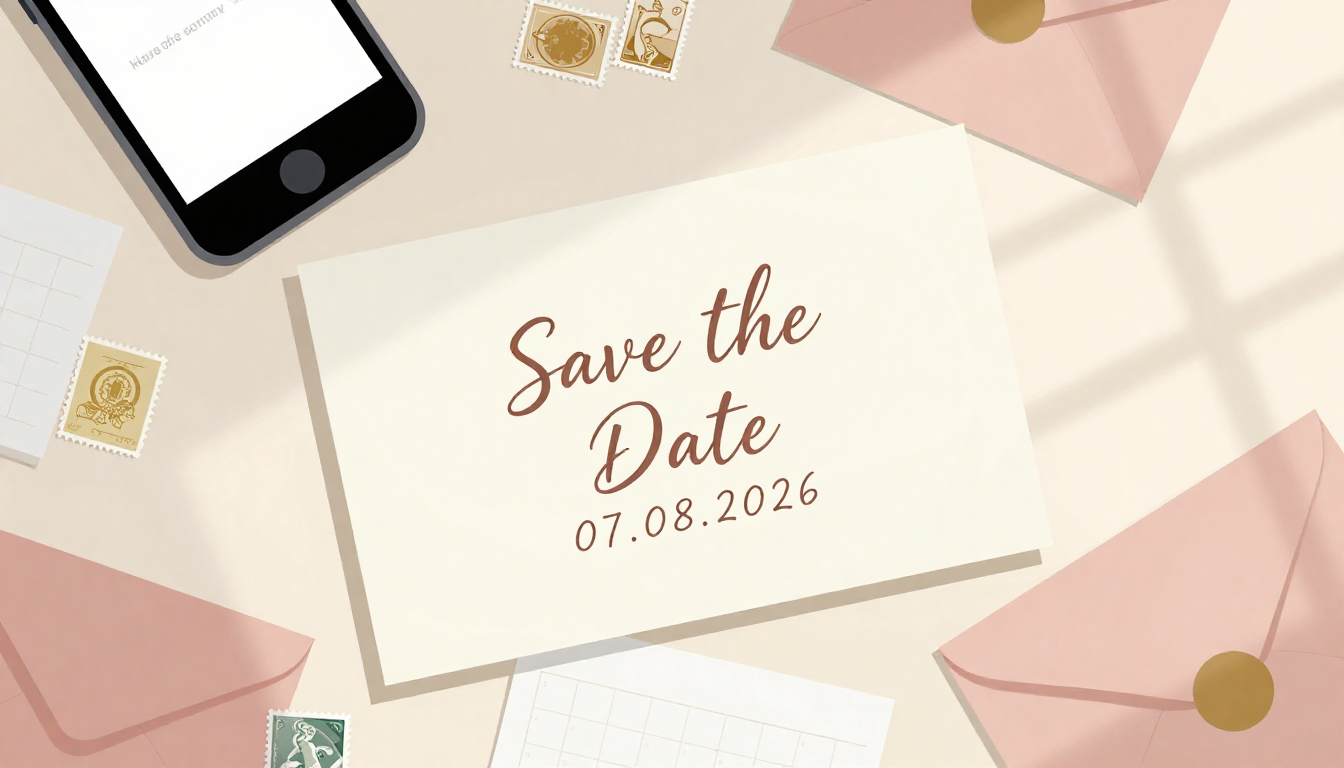
Planning a wedding, birthday, christening, or another important celebration? You certainly want your guests to know about it well in advance. This is where save the date comes in – a short but incredibly useful message that allows guests to reserve the date in their calendar before receiving the official invitation. But when exactly should you send such information? In what form? And is it even worth bothering with? We answer all these questions!
What is a save the date and why should you send one?
A save the date is an event announcement. It’s not yet an official invitation with all the details – it’s more of a friendly signal: “Hey, something important is happening on this day, save the date!” This way, guests can plan their holidays well in advance, arrange childcare, or simply not schedule other commitments.
It’s particularly useful for weddings, anniversaries, or large family gatherings where some guests may be traveling from far away. Imagine your aunt from Seattle finding out about a wedding in Miami just a month before – the chances of cheap flights and available hotel rooms drop dramatically. But if she knew six months in advance? A completely different story!
When to send a save the date?
Timing is key. Sending a save the date too early might cause guests to forget about the event, while too late means they won’t have time to prepare. So what’s the sweet spot?
Weddings and large celebrations
For weddings, save the dates are typically sent 6 to 12 months before the planned date. If you’re planning a wedding during the popular season (May-September), it’s better to opt for the longer timeframe. The same applies when many guests need to travel from abroad or from distant parts of the country.
Birthdays, christenings, communions
For smaller family celebrations, 2-4 months in advance is sufficient. This gives guests time to plan their travel and possible accommodation, but isn’t so early that the date evaporates from their memory.
Corporate events and gatherings
Here it’s worth sending a save the date about 6-8 weeks before the event. In the business environment, calendars fill up quickly, so earlier notice significantly increases attendance.
What should a save the date include?
Remember that a save the date is not a full invitation – it should be short and specific. Here are the essential elements:
- Event date – this is obvious, but it’s worth highlighting and writing it clearly
- Type of celebration – wedding, 50th birthday, little Tommy’s christening
- Names of the hosts – who is inviting (the couple, the birthday person, the child’s parents)
- Location – just the city or region is enough, the detailed address will appear in the invitation
- Information that the official invitation will follow
You can also add a short, personal note or ask for a preliminary RSVP – especially if you’re planning a destination wedding or an event in an unusual location.
In what form should you send a save the date?
You have several options to choose from, and each has its pros and cons. Let’s look at them one by one.
Traditional postcards
The elegance of classics. Paper save the dates look beautiful and can be hung on the fridge as a reminder. They work great for formal celebrations where you want to build atmosphere from the very first contact with guests.
The downside is obviously the cost – printing, envelopes, stamps. With a list of 100 guests, this can be a moderately expensive undertaking. There’s also the time needed for preparation and mailing. And what if someone changes their address or the card gets lost in the mail?
Emails
Fast, affordable, practical. Email arrives instantly and costs nothing. You can attach a nice graphic, or even a link to Google Calendar so guests can add the event to their planner with one click.
The downside? Emails are easy to overlook or forget about in the flood of daily correspondence. They also don’t have that “wow effect” that a beautiful card in the mailbox provides.
Social media messages
The fastest option. Messenger, WhatsApp, text messages – you’ll reach everyone in a few minutes. It’s an ideal solution for more casual parties where formal etiquette doesn’t take center stage.
But do you really want to announce your wedding in a group message on Messenger? For important celebrations, this might sound too… casual. Plus, it’s easy for chaos to ensue when guests start replying, asking questions, and having side conversations.
Dedicated websites
More and more couples are creating wedding websites where they post all information – from save the date, through ceremony details, to the gift registry. It’s an elegant and practical solution, but requires time to prepare (or money if you hire a professional).
Can you combine tradition with modernity?
Of course! And here’s where an interesting idea comes in. Many people opt for a hybrid approach – sending traditional cards with a QR code that leads to a page with additional information. It’s a way to maintain an elegant form while utilizing technology.
And speaking of QR codes and collecting memories from important events – it’s worth thinking not only about how to invite guests, but also how to collect their photos afterward. Because everyone will be taking photos with their smartphone, right? And how do you gather all those photos in one place afterward?
From save the date to photo gallery – plan everything in advance
By sending a save the date, you’re beginning to plan your big day. But it’s worth thinking now about what comes after the party. One of the biggest challenges is collecting photos from guests – everyone promises to send them, but in practice… well, exactly.
Traditional methods rarely work. Group albums on Facebook? Half the guests don’t have an account or don’t want to upload private photos there. Google Drive? “Send me the link again, I lost it somewhere.” WhatsApp groups? Chaos and hundreds of notifications.
That’s exactly why tools like PixFiesta were created. They work on a simple principle – you get a unique QR code that you place on invitations, save the dates, and then at the event itself (on tables, at the bar, at the entrance). Guests scan the code with their phone and can immediately add photos to the shared gallery. No logging in, no downloading apps, no complications.
How to combine save the date with a photo collection app?
Here’s a clever idea: already at the save the date stage, you can mention to guests how you’ll be collecting photos from the event. You could write something like:
“We’ll collect wedding photos through a special app – details in the invitation!”
And in the official invitation, you’ll include the QR code leading to the gallery. This way, guests will be prepared and more likely to use this option during the reception itself.
Importantly, PixFiesta is a budget-friendly one-time purchase – significantly cheaper than a traditional photo booth or hiring an additional photographer. And photos from guests are often the most valuable because they show the party from the participants’ perspective, not just from the professional behind the lens.
Practical tips to finish
Let’s summarize the most important save the date tips:
- Start with the guest list. Before you send anything, make sure you have current contact information for everyone
- Be consistent. If you’re sending paper cards, send them to everyone. Mixing formats might make someone feel less important
- Don’t overload with information. A save the date is an announcement, not an encyclopedia. Details will come later
- Ask for confirmation. A quick “let me know if you received it” will help you ensure the message wasn’t lost
- Think about the future. Plan not only the invitations but also a way to collect memories from the party
Summary
A save the date is a simple but incredibly useful element of planning any larger celebration. Sent at the right time (6-12 months before a wedding, 2-4 months before smaller events), they allow guests to plan their attendance and prepare for your big event.
Whether you choose traditional cards, emails, or social media messages – the most important thing is that the information reaches everyone. And once guests arrive and start taking photos with their phones, make sure you have a way to collect all those memories in one place.
Planning an event and want to have all your guests’ photos in one convenient gallery? Try PixFiesta for free and see how easy it can be to solve the problem of scattered photographs!