Six months until the wedding. Sounds like plenty of time, right? Yet many engaged couples start sweating at the mere thought of everything that still needs to be organized. If you’ve just announced your engagement and dream of a wedding in six months – don’t worry. It’s absolutely doable, but it requires a solid plan and consistent action. In this article, we’ll walk you through a practical timeline that will help you plan your dream wedding without unnecessary stress.
Months 1-2: The Foundation of Your Wedding
The first weeks are the time to make key decisions that will form the foundation of your entire planning process. There’s no time to waste – some things need to be booked as soon as possible.
Set your budget and guest list. This is the absolute foundation where everything begins. Sit down together and have an honest conversation about how much you can spend on your wedding. Remember that the guest list directly affects costs – each additional person represents a moderate expense that adds up quickly. It’s better to be realistic from the start than to panic-cut your budget later.
Book your ceremony and reception venues. With a six-month lead time, the selection of wedding venues may already be limited, especially for popular dates. Call, ask, negotiate. Sometimes it’s worth considering less obvious locations – restaurants with banquet halls, farm venues, or even tents in a beautiful garden. Weekday dates can be a great option – there’s significantly less demand for these dates, so venue and vendor availability is much better.
Find a photographer and videographer. Good wedding photographers are often booked a year in advance. With a six-month timeline, you need to act fast. Browse portfolios, schedule meetings, and choose someone you feel comfortable with – after all, they’ll be with you throughout the entire day.
Months 2-3: Visual Details and Entertainment
Once you’ve secured the most important elements, it’s time to focus on the details that will give your wedding its character.
Choose the wedding dress and suit. Wedding dresses often require several months for tailoring or ordering, plus time for alterations. If you dream of a custom-made gown, you need to act immediately. Alternatively – boutiques with ready-to-wear dresses or pre-loved wedding dress shops can be a lifesaver with a short timeline.
Book a band or DJ. Music is one of the most important elements of a great party. Check reviews, listen to recordings from other weddings, and make sure the musical style matches your tastes. Also remember about music for the ceremony – a string quartet, an organist, or perhaps a playlist through speakers?
Plan decorations and flowers. Wedding floristry isn’t just about the bride’s bouquet. It’s also table decorations, church arrangements, and car decorations. Schedule a consultation with a florist and present your vision. With a short preparation time, it’s worth being flexible – some flowers may not be available in certain seasons.
Months 3-4: Formalities and Logistics
You’re halfway there! Now it’s time for matters that require more organization than creativity.
Handle formalities at the registry office or church. A civil ceremony requires booking a date at the office and submitting the appropriate documents. A church wedding involves marriage preparation classes, meetings with the priest, and certificates from the registry office. Don’t leave this until the last minute – government offices have their procedures.
Send invitations. Nowadays, many couples opt for electronic invitations, but traditional paper ones have their charm. Regardless of the format – give guests at least 6-8 weeks to respond. This is important for finalizing the guest list and confirming numbers with your caterer.
Plan entertainment for guests. Photo booth, candy bar, cigar bar, lawn games – these are elements that can make your wedding stand out. And speaking of attractions – also think about how guests will document this special day. After all, everyone has a smartphone with a camera in their pocket!
How to Collect Photos from All Your Guests?
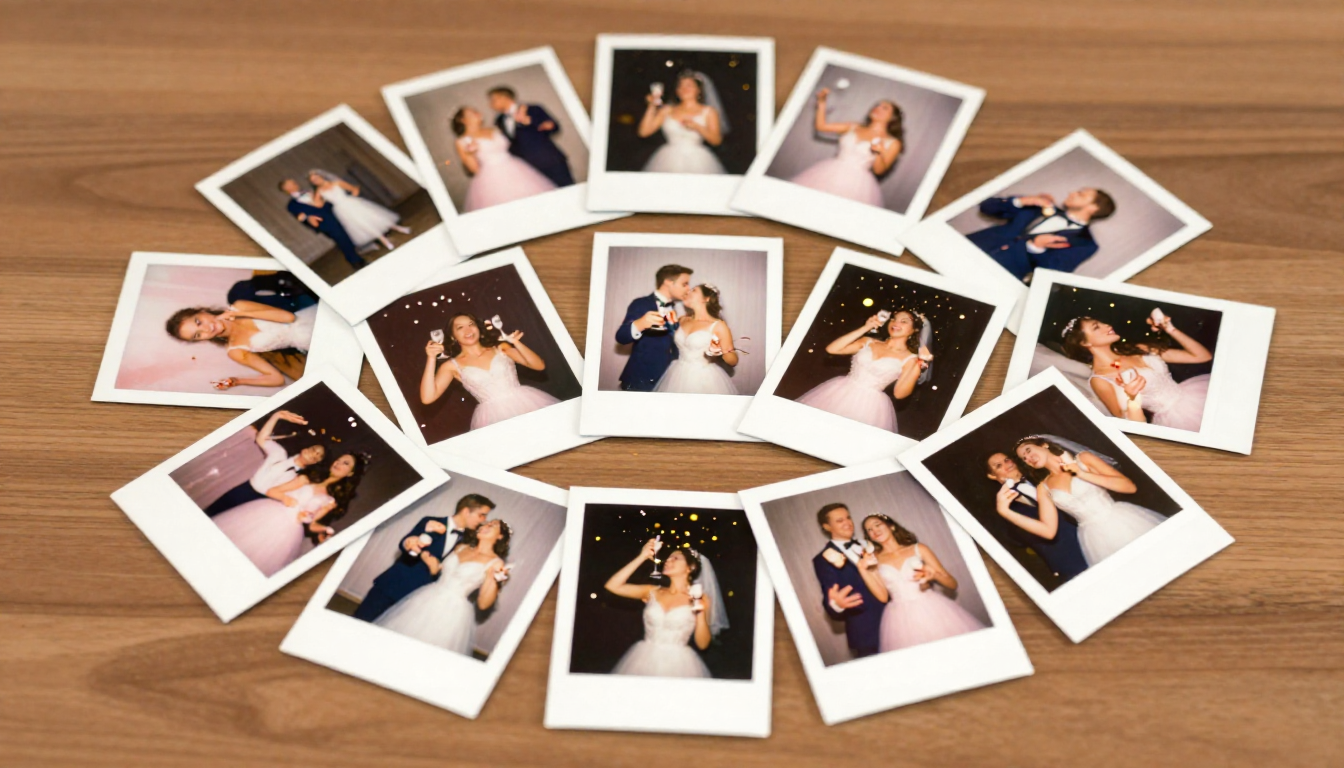
This is a question more and more newlyweds are asking themselves. The professional photographer will capture the most important moments, but what about those spontaneous shots from the dance floor at three in the morning? Or the selfie at the bar when the groom is trying to open the champagne? Guests take these photos – and they often remain buried in their phones forever.
Traditional solutions have their drawbacks. Group albums on Facebook? Not everyone has an account, and privacy can be problematic. WhatsApp? Photo compression and chaos in a group with 80 people. Asking guests to “email us your photos”? Honestly – how many people actually do that?
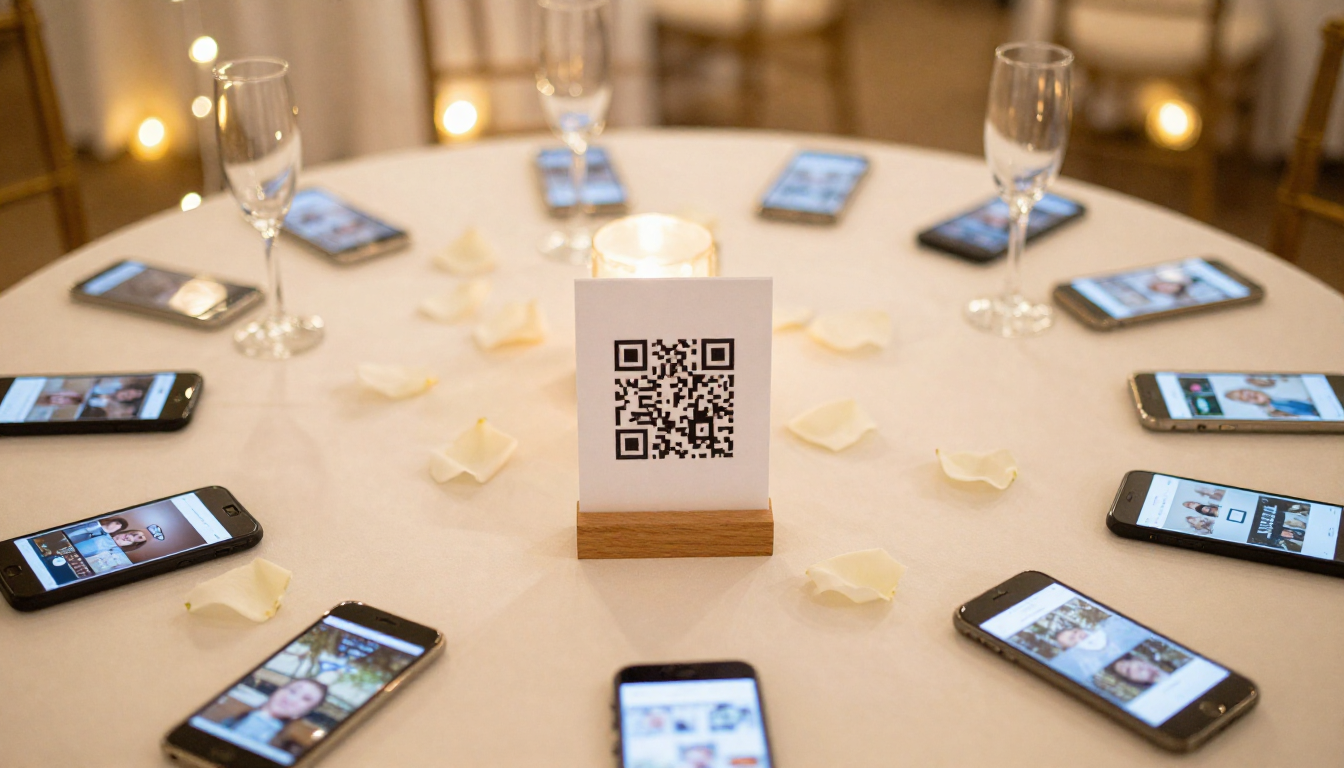
That’s exactly why PixFiesta was created. It works on a QR code basis – guests scan the code with their phone and can immediately add photos to a shared gallery. No logging in, no installing apps, no complications. Just place the QR code on tables or at the entrance, and all the wedding photos will collect in one place.
Months 4-5: Final Preparations
The finish line is getting closer! This is the time for tying up loose ends and finalizing arrangements.
Confirm all reservations. Call every vendor and make sure everything is current. Date, times, addresses, details – better to check twice than to have a surprise on your wedding day.
Plan the menu and cake. A tasting at the wedding venue is not only a pleasure but also a duty. Set the menu, taking into account guests’ dietary needs (vegetarians, those with allergies), and choose the cake. Remember about drinks – alcohol, juices, water.
Organize transportation. Who will drive the bride to the ceremony? How will guests get from the church to the venue? Do you need return transportation for guests who aren’t driving? These details might seem trivial, but on your wedding day, they become significant.
Prepare a schedule for guests. Boards or brochures with the wedding timeline are becoming increasingly popular. Guests know when dinner is, when the cake is served, when special traditions happen. This eliminates constant questions like “what’s next?” and lets everyone enjoy themselves more.
Months 5-6: The Week Before the Big Day
The home stretch! Now organization and calm are what matter.
Finalize the guest list. Confirm the final headcount with all vendors. Remember about seating arrangements – who will sit with whom at which table? This can be a real puzzle with complicated family dynamics!
Prepare things for the wedding day. Dress, suit, rings, documents, shoes, undergarments, cosmetics, phone charger – make a list and pack systematically. Entrust the rings to a trusted person (preferably your best man or maid of honor) the day before.
Prepare elements for collecting photos. If you’ve decided to use PixFiesta, print the QR codes and plan where you’ll place them. Tables, bar, photo booth, restrooms – the more locations, the better chance guests will notice and use it. You can also ask the DJ or MC for a brief encouragement during the reception.
Relax. Seriously. The day before the wedding is not the time for panic. Everything that needed to be done has been done. Get a massage, meet with friends, get plenty of sleep. Tomorrow you’ll need energy!
Practical Tips for the Wedding Day Itself
A few things worth remembering when the big moment arrives:
- Delegate tasks. Designate people responsible for specific things – coordinating with the photographer, contact with the DJ, keeping track of the rings. You’re meant to enjoy yourself, not worry.
- Eat and drink water. Sounds trivial, but in the whirlwind of emotions, it’s easy to forget the basics. And fainting at the altar isn’t exactly the story you want to tell your grandchildren.
- Be present. Put your phones away – the photographer and guests are there for documentation. You should enjoy every moment.
- Don’t stress about minor mishaps. Something will go wrong. Something always goes wrong. And you know what? In a year, you’ll be laughing about it.
After the Wedding – What About the Photos?
The wedding is over, emotions have settled, and you return to reality with a million memories and… the need to collect keepsakes. If you used an app for collecting photos from guests, you already have everything in one place. You can browse, download, share. Guests see photos from other guests – and often discover moments they completely missed.
Photos from your professional photographer usually arrive after a few weeks. But those spontaneous shots from guests? Thanks to solutions like PixFiesta, you have them immediately – and in full resolution, without compression.
Summary
Planning a wedding in 6 months is a challenge, but absolutely achievable. The key is good organization, flexibility, and the ability to delegate tasks. Remember that the most important thing is that one day – the moment when you say “I do” – not whether the napkins perfectly matched the flowers.
Take care of the memories from this special day. A professional photographer will capture the official moments, but the real magic lies in the spontaneous photos from guests. Give them a simple tool to share their shots, and you’ll gain priceless keepsakes you didn’t even know existed.
Try PixFiesta for free and see how easily you can collect all the photos from your wedding in one place – no logging in, no installing apps, just via QR code. The price? Less than a nice bottle of wine on your wedding table, and the memories – priceless.